Your guide to creating effective videos
We permit video content and other content that is on any business-related topic. Yes, you can also promote your business, but we encourage that you always choose a topic that is going to be informative to your audience and educational, when possible. We do ensure all content is suitable and you need to be 18 years or older to join. Terms apply.
Keep your videos 5 – 10 minutes in length. It is better to produce many shorter videos than fewer long ones!
Below is a helpful guide to recording your video. Don’t worry — it doesn’t need to be perfect. The most important thing is that your message comes across clearly and naturally. With a quiet space, good lighting, and a steady camera, you’ll be ready to hit record with confidence.
Getting ready
Find a quiet space – background noise can be distracting. Close windows and doors, and switch off fans or TVs.
Check your background – keep it simple and tidy so the focus stays on you.
Dress appropriately – wear solid colours if possible (patterns can be distracting on camera).
Lighting & position
Face the light – sit or stand with light coming from in front of you, not behind. Natural light from a window works well.
Avoid shadows – make sure your face is evenly lit.
Position the camera at eye level – prop up your laptop or phone so you’re looking straight ahead, not down.

Recording on different devices
On a computer/webcam – most laptops have built-in cameras. Open your camera app (on Windows, search” Camera”) or use video-conferencing software, such as Zoom to record.
On a phone – hold or prop your phone in landscape (sideways) mode for best results. Use the back camera if possible, as it’s usually higher quality.
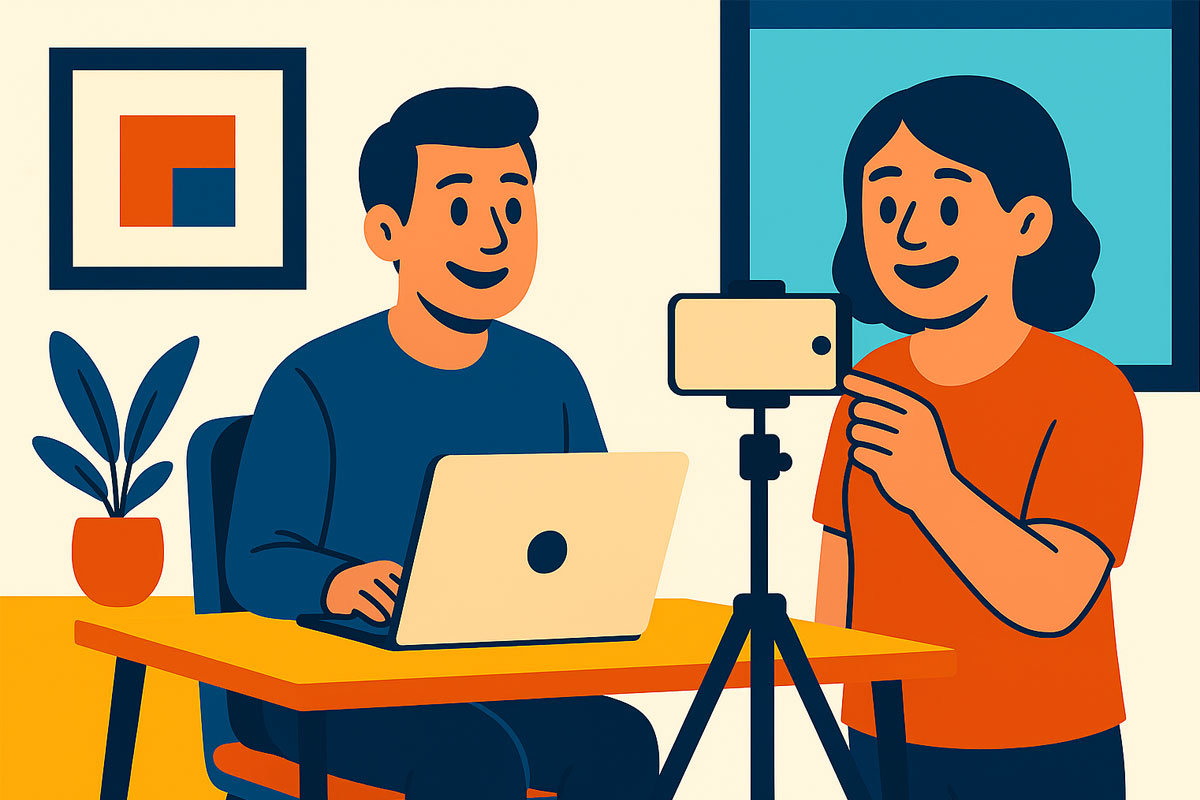
Stability – keep the device steady by using a tripod, stand, or resting it on a stable surface.
Framing & audio
Frame yourself well – keep your head and shoulders in view, with a little space above your head.
Speak clearly – project your voice as if talking to someone across the room.
Test before recording – do a short test video to check lighting, sound, and framing.
While recording
Look at the camera – not the screen – so it feels like you’re speaking directly to your audience.
Relax and be natural – imagine you’re chatting with a friend.
Keep it concise – short, clear messages are easier to follow.
Finishing up
-
Review your video – make sure you’re happy with the sound and picture.
-
Save in a common format – Our site accepts MP4 and MOV files.
-
Upload using the button provided on the site.